Take Your Team To-Go: How to Use the MyDISH App for Tailgating
There is nothing quite like the energy of a live tailgate—the smell of the grill, the camaraderie of fellow fans, and the anticipation of kickoff. But the ultimate tailgate upgrade is bringing the live broadcast directly to your parking spot.
Thanks to the MyDISH App, you no longer have to choose between the party outside and the pre-game coverage inside. Whether you're at the stadium or deep in the woods, your favorite local channels are now truly portable.
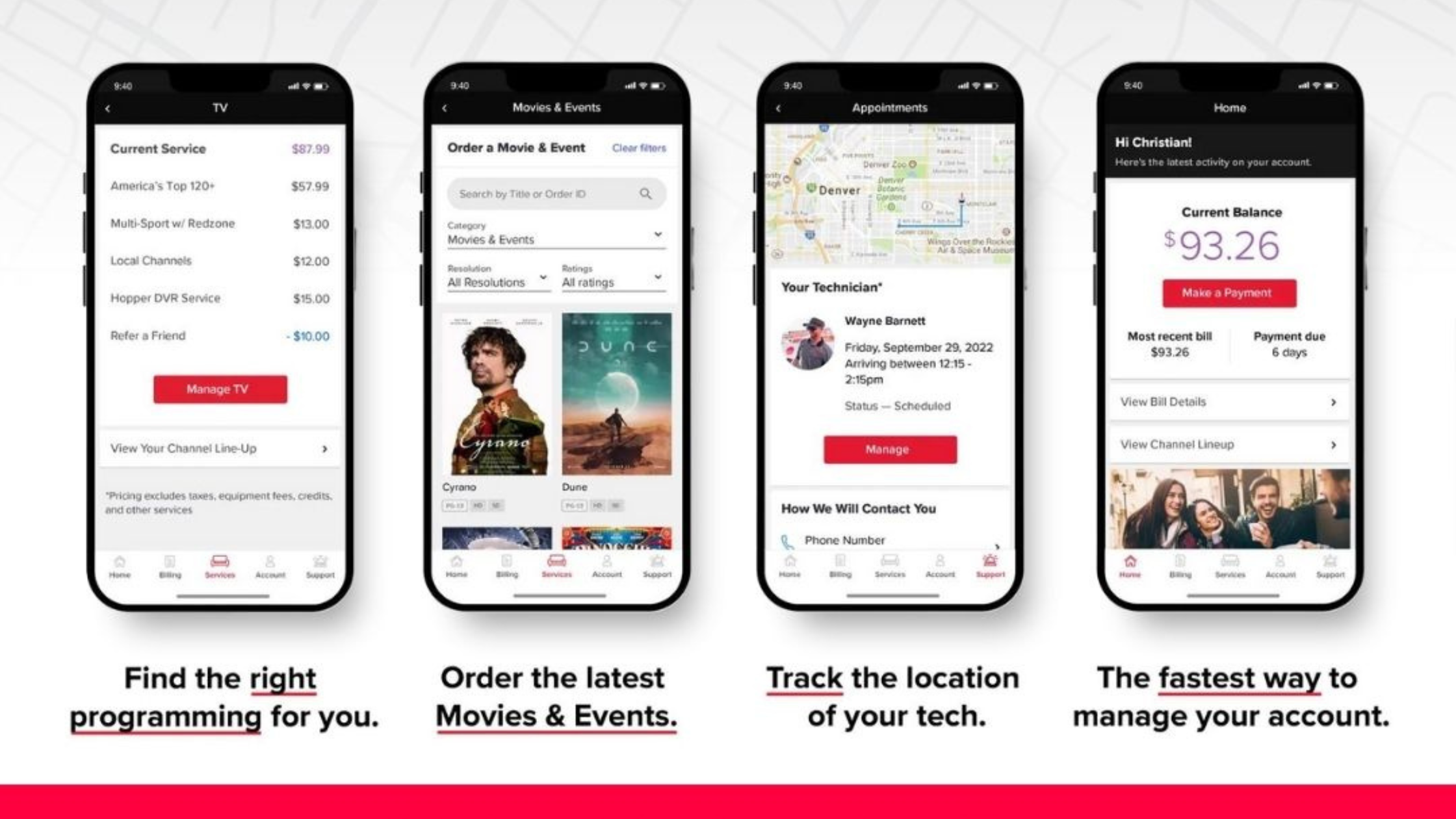
Why the MyDISH App is a Game Changer
Gone are the days of calling tech support to refresh your signal or update your location. The MyDISH App gives you total control over your outdoor satellite system from your smartphone.
Key benefits include:
- Instant Location Updates: Sync your local channels to your current GPS coordinates.
- Equipment Management: Activate or deactivate receivers on the fly.
- Troubleshooting: Solve signal issues without missing a single play.
Step-by-Step: Setting Up Your Tailgate TV
Getting your local channels ready for game day is a breeze. Follow these six steps to ensure your setup is ready before the coin toss:
1. Download the App
Search for "MyDISH" in the Google Play Store or Apple App Store. It's the gateway to your entire mobile TV experience.
2. Log In or Register
Enter your existing DISH credentials. If you haven't set up an online account yet, you can create a new Online ID directly within the app using your account number.
3. Navigate to "Services"
Once you're on the home screen, tap the Services tab located in the main menu.
4. Find the DISH Outdoors Section
Under the Services menu, look for the DISH Outdoors category. This section is specifically designed for portable antenna users (like Tailgater or Playmaker owners).
5. Manage Your Local Channels
Tap the "Manage Locals" button. This is the "magic button" for tailgaters—it allows the system to identify your current location so you can receive the correct local CBS, NBC, ABC, and FOX affiliates for the game you're attending.
6. Follow the On-Screen Prompts
The app will walk you through a quick confirmation process. Once finished, your receiver will take a few minutes to download the new local guide, and you'll be ready to watch!
The Power of Mobile Management
The real MVP of the MyDISH App is its convenience. You can wake up your receiver, refresh your programming, and manage your "Pay-As-You-Go" monthly service without ever picking up a phone to call customer service. This means more time at the grill and less time on hold.
Conclusion
Elevate your game day by bringing every touchdown and replay to your portable TV. With the MyDISH App, you have the power to manage your service from the palm of your hand, ensuring your tailgate is the highlight of the season.
If you run into any hangups while setting up, DISH's dedicated outdoor support team is available at 1-800-472-1039. Download the app today and never miss a kickoff again!